
Those preview images you see on Slack, LinkedIn, Twitter (X), or Facebook when someone shares a link? They're called link previews — and they're STILL not that easy to make.
Yes, there are services and APIs to help, but they all come with little annoyances depending on your experience.
For me, I'm a total noob at this. Honestly, I didn't even wanna do it. But these are the little things that make a BRAND. Imagine sending your startup site to an investor on LinkedIn chat and it just shows a blank gray box… MEH.
❌ Before (what investors saw):
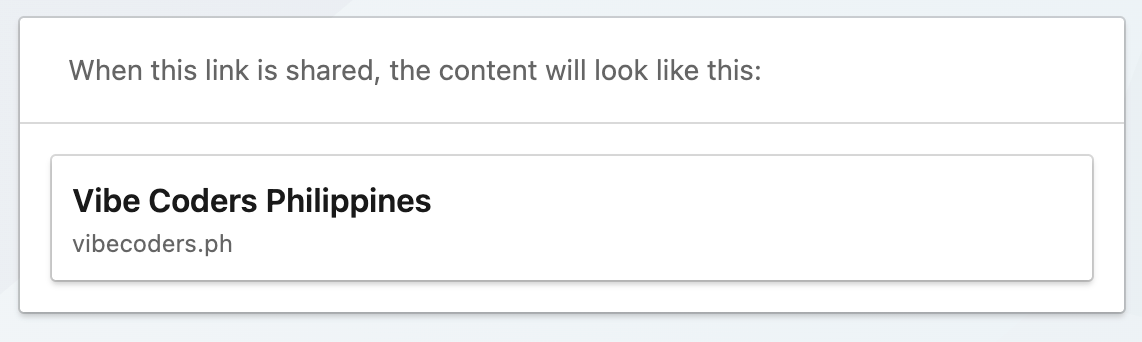
So I got curious: what's the simplest way to actually fix this?
This is my experience.
Step 1. Ask AI
If you ask your favorite AI agent:
You'll definitely get something like:
"Implement Open Graph meta tags and Twitter Card."
So what's Open Graph?
TL;DR: it's a standard created by Facebook, now used by almost every social site, that tells platforms what title, description, and image to display when someone shares your link.
The catch: you actually need to design a proper image (1200x630px) and add it to your codebase.
🎨 Step 2. Choose a Tool
I don't wanna design images manually. I have no design skill.
There are a bunch of options, but I ended up using Bulktopus. Why?
- • No sign-up
- • No-code design
- • Pre-built sizes for OG images (well, mostly pre-built)
- • Upload background image + logo support
It has limitations though:
- • Few design options (colors, typography, fixed text locations)
- • You must share to X or LinkedIn before you can download (annoying)
But it works.
The hardest part? Design itself.
Luckily, ChatGPT helped brainstorm colors, text, and layouts — and even generated mockups. I couldn't replicate everything exactly in Bulktopus (limitations), but it was enough to get started.
Here's the OG image I ended up with 👇
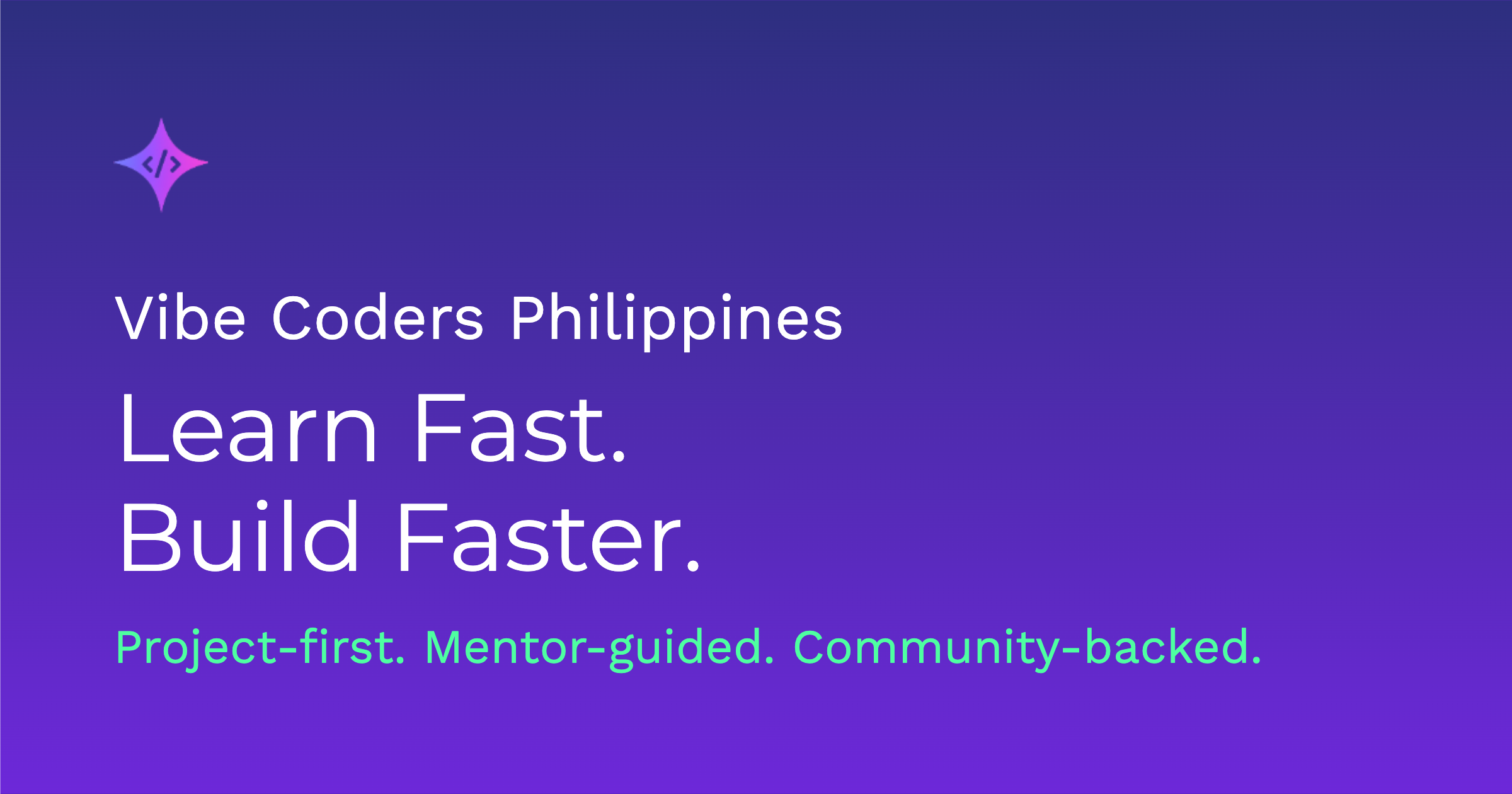
/public/og-image.png (1200x630px)
📁 Step 3. More Pages = More OGs
My coding agent actually suggested I create different OG images for different pages:
-
•
/public/og-image.png→ Main site -
•
/public/og-projects.png→ Projects page -
•
/public/og-course-web-dev.png→ Web Dev course -
•
/public/og-blog-{slug}.png→ Individual blog posts
That means different statements, maybe even slight design changes for each.
I think I'll leave that as an exercise for our core members.
✓ Step 4. Bigger Idea — Automating OGs?
Here's where I started thinking: business opportunity?
What I actually wanted: My coding agent, already aware of my brand, colors, texts, and logo, should just make all OG images automatically and integrate them in the codebase.
That's where I see MCP coming in.
With MCP, an AI agent could:
- 1. Generate branding copy + design
- 2. Create multiple OG variants
-
3.
Place them in the right folders (
/public/) -
4.
Update the
<meta>tags automatically
Basically: recreate my whole workflow end-to-end.
What do you think?
I say we build it — and compete in the market.
📝 Takeaways
- • OG images aren't optional — they're part of your brand.
- • One 1200x630 image per page is enough for all major platforms (FB, LinkedIn, Twitter, Discord, Slack).
- • Tools like Bulktopus + AI mockups = simple way to start.
- • But the real play is automation — OG as a Service.